ClinDesk privacy promise
The operating principle is simple:
Your patient messages stay on your Mac.
Below, where they live, and where they do not.
ClinDesk
01
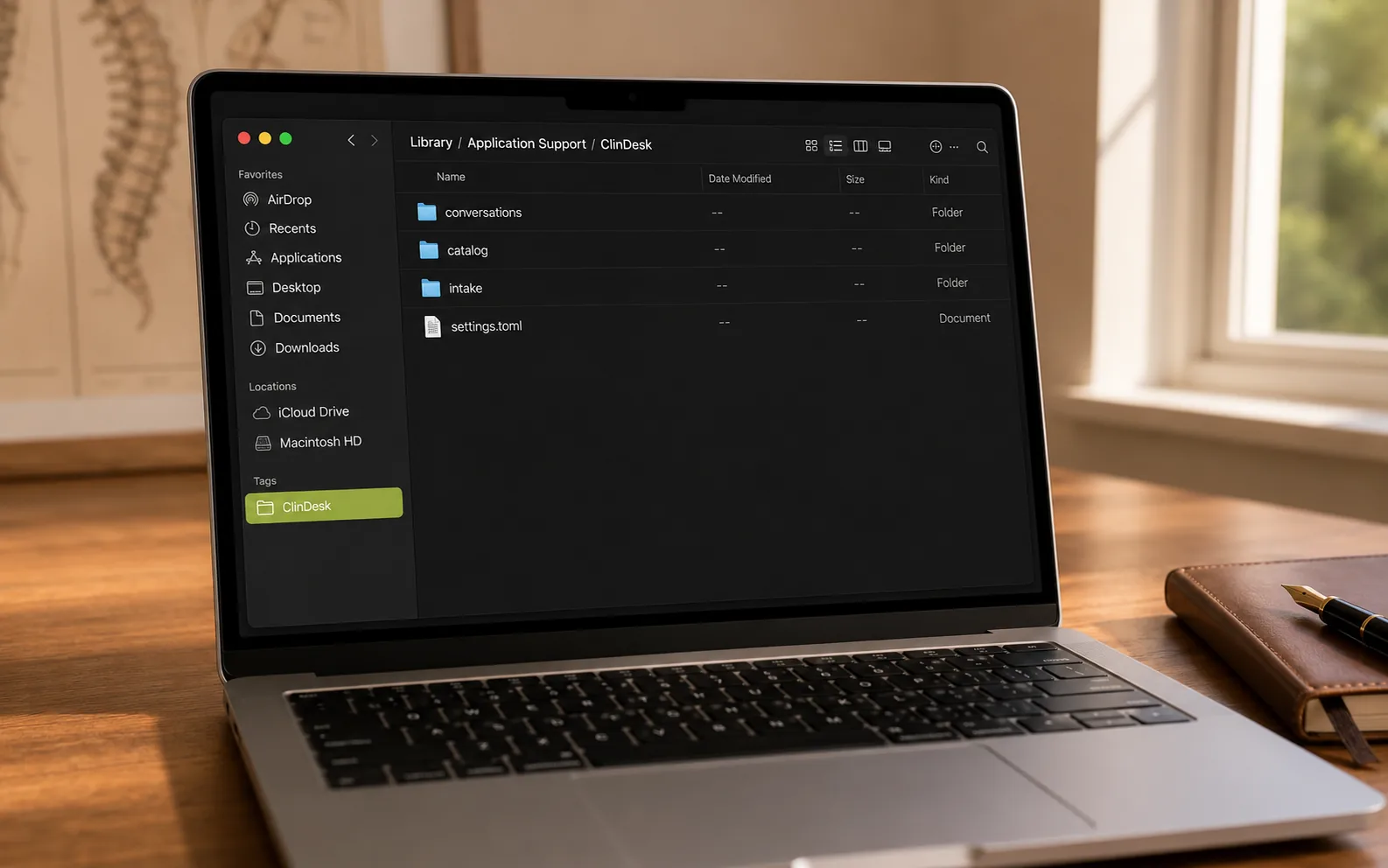
On your hard drive.
The day you start using ClinDesk, this folder appears on your Mac. The day you stop, it's still there until you decide otherwise. There's no account on our side to close, no export request to file, no waiting for support to free your conversations.
02
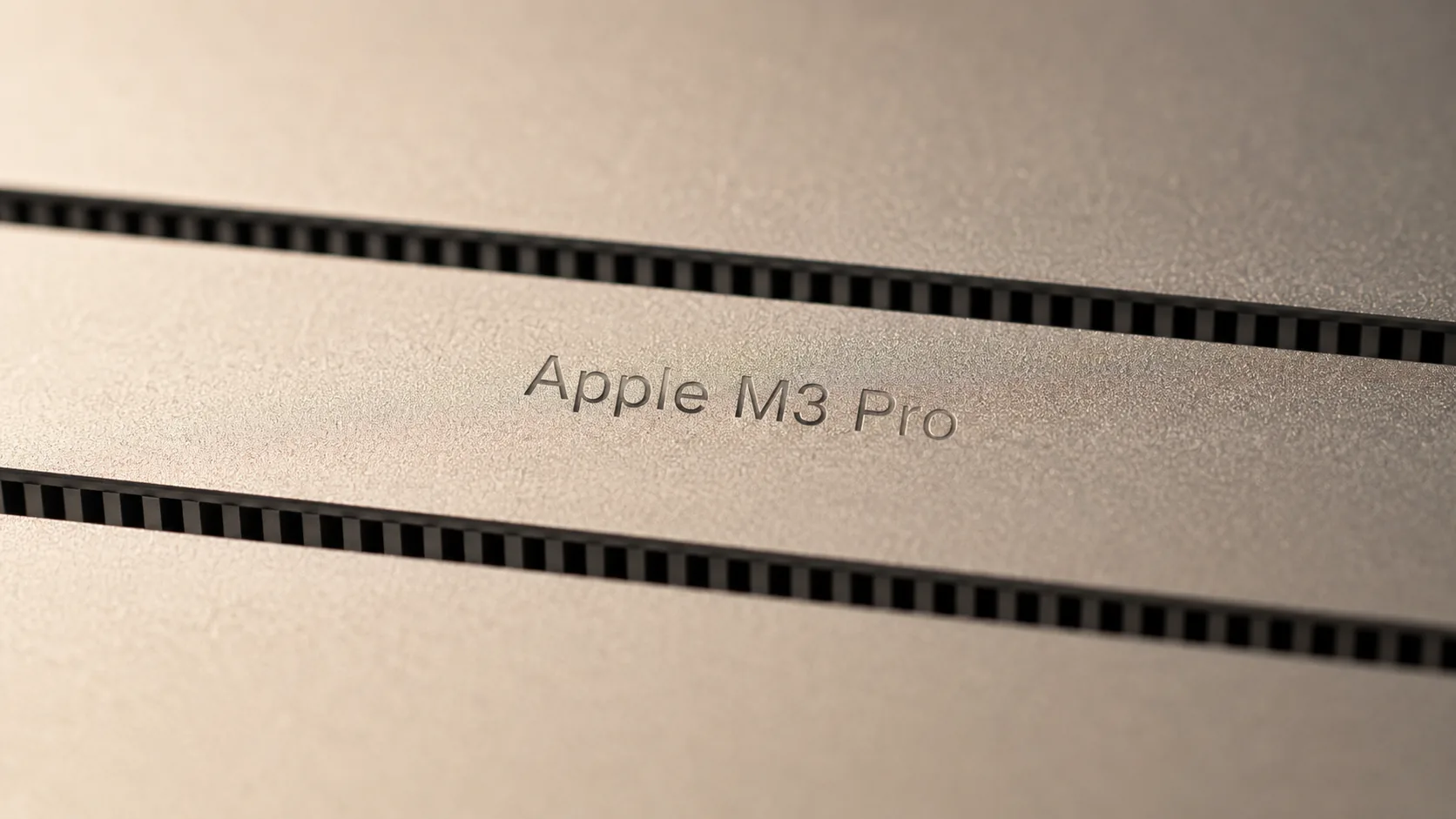
On your hardware.
The part of ClinDesk that reads patient messages runs on your Mac. Not on a rented cloud computer. Not on another AI service. Yours.
03
Not on our servers.
Many reception tools send patient messages to company servers before they can answer. That means every clinic's patient conversations pass through one company. ClinDesk is designed differently: patient conversations stay in the clinic's local workspace. The doctor we built this with wanted that from the start.
- Your Mac
- Ourservers
- Outside AIservices
- Otherclouds
- Your phone
04
Not on any cloud.
For patient messages, the important devices are your Mac and your phone. ClinDesk works from the Mac. Alerts can reach your phone, but they are locked so only your devices can read them.
Emin, ClinDesk's founder, spent thirteen years writing software, the last few at Kraken, where security wasn't a feature. It was the contract.
05 · WHAT'S ALREADY HAPPENED
Three real headlines you don't want yours next to.
These are not hypotheticals. They are public, documented incidents from cloud-based AI and cloud-based health platforms. Each shows a failure mode that on-device ClinDesk does not have.
- JAN 2025 · DEEPSEEK
AI provider's database left open online.
Wiz Research found a publicly accessible ClickHouse database belonging to a major AI provider, with over a million log entries that included plaintext chat messages and customer API keys.
What happens with ClinDesk: There is no provider database to leak. Your conversations are a folder on your Mac. We don't have a copy.
Wiz Research → - FEB 2026 · CHATGPT
A hidden channel turned ChatGPT into a covert leak.
Check Point Research found a vulnerability in ChatGPT's code-execution runtime that let a single malicious prompt exfiltrate user messages and uploaded files through DNS, invisible to the chat UI. OpenAI patched it in February 2026.
What happens with ClinDesk: The on-device AI that reads your patients' messages runs on your Mac. There is no cloud channel to compromise.
Check Point Research → - JUL 2023 · BETTERHELP
Health platform shared sensitive intake with Facebook.
The FTC settled with the online-counseling platform BetterHelp for $7.8 million after it shared users' email addresses, IP addresses, and intake answers with Facebook, Snapchat, and ad networks, despite promising not to.
What happens with ClinDesk: Patient data never leaves your Mac. There is no third party for us to share it with, even if we wanted to.
FTC press release →
Different problem. Different design.
TWO KINDS OF PROMISE
Some commitments don't change, even if the product does. Some are today's choices, and if they change, ClinDesk will tell you first.
WHAT DOESN'T CHANGE
-
We don't read your patients' words.
Those messages are not training data. No one at our company reviews them. We do not share them with another AI service.
-
Your conversations are a folder, not a hostage.
If you cancel, the folder stays on your Mac. Your subscription pays for updates and phone alerts, not for permission to use your own files.
-
Usage data doesn't include message content.
We keep basic app health data only, like whether the app opened or crashed. Patient messages are not part of it.
WHAT'S TRUE TODAY
-
ClinDesk reads messages on your Mac.
That is how ClinDesk works today. If we ever add a cloud option, it will be optional, your existing setup will keep working, and you will get an email from ClinDesk before it ships.
-
There's no account.
You pair the app once and it's yours. If that ever changes, same rule: opt-in, advance notice, your existing setup keeps working.
ClinDesk is early. This page is the contract.
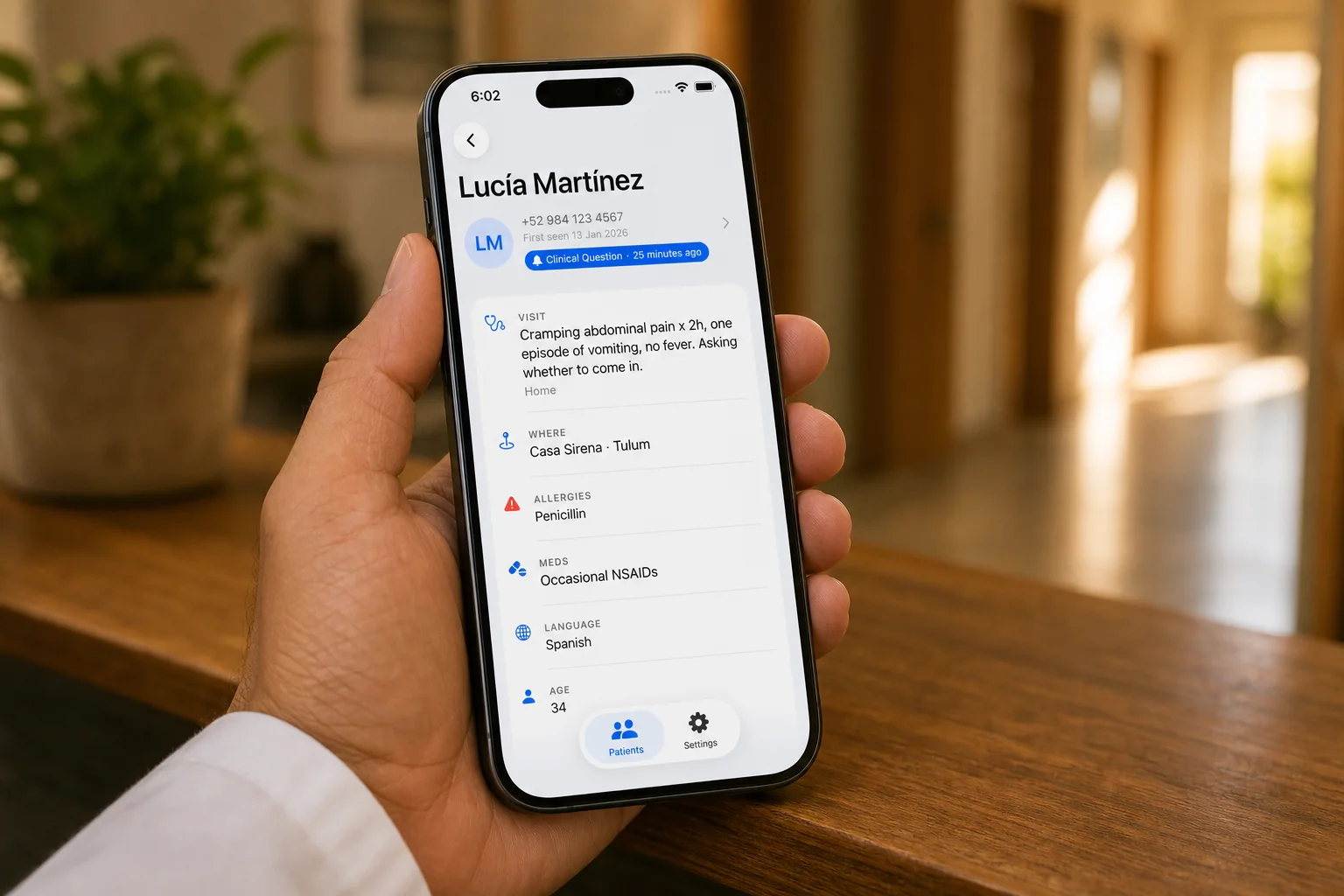
06
When something needs you.
Your phone wakes up. The alert passes through our notification service, but it is locked for your Mac and your phone.
We can't read it. Apple and Google can't either.
07
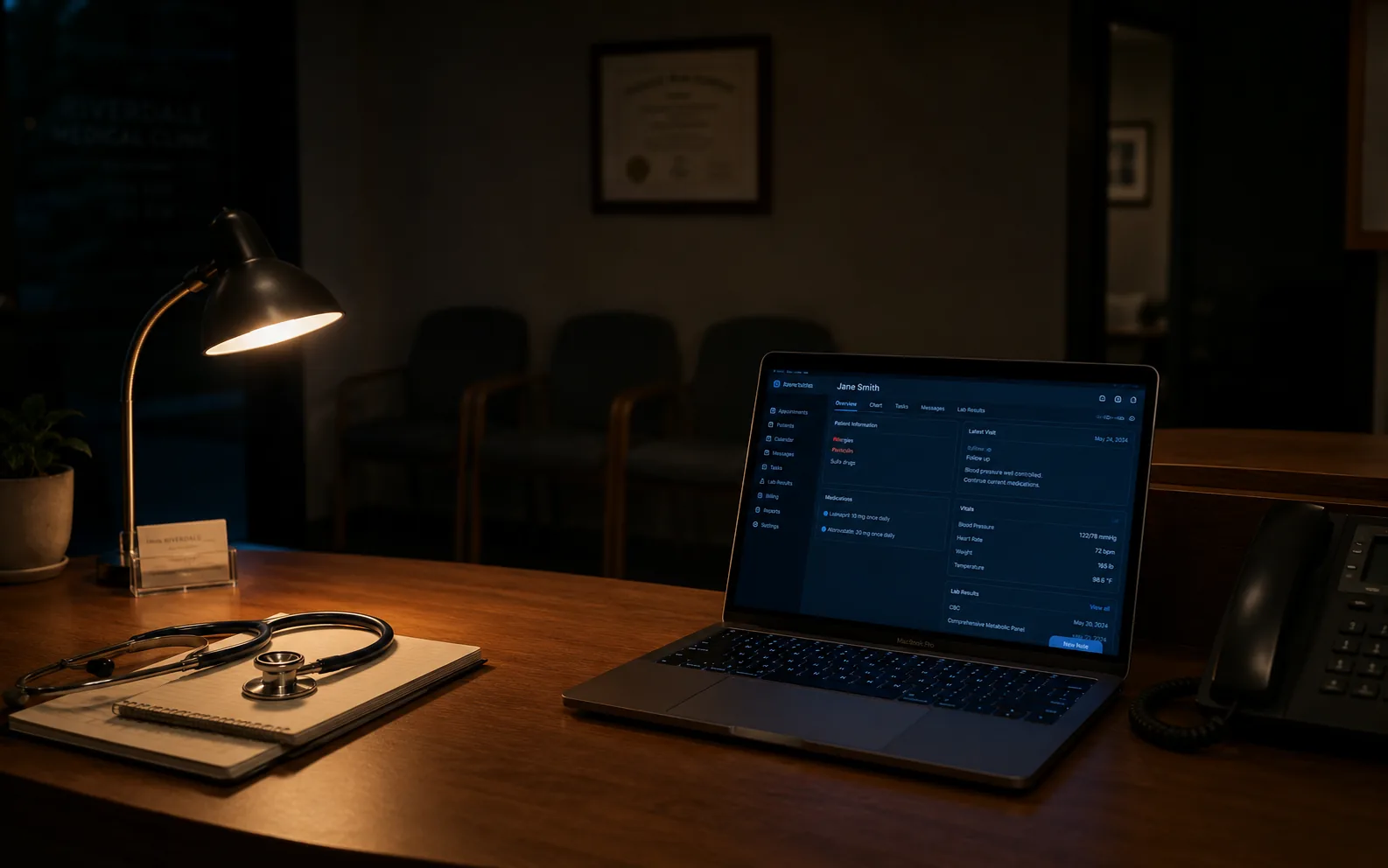
If we disappear, this still works.
If our company is gone tomorrow, the app keeps running. Your folder is still on your Mac. Your subscription was paying for updates and phone alerts, not for permission to use your own data. That's the design.
FROM THE DOCTOR WE BUILT THIS WITH
My patients tell me things they wouldn't tell anyone else. That data can't live on someone else's cloud. That's why I cared about building this from the start.
 Dr. Zavala MyDoctorAway · Tulum, MX
 If anything here is unclear, write to ClinDesk. The address below reaches Emin, the founder, directly.
Thank you for reading this far.
Emin